Observium CE Geolocation Issues
observium-geo-info
TL;DR
Observium CE geolocation issues, often resulting in incorrect device mapping, can be resolved by changing the default geocoding service provider.
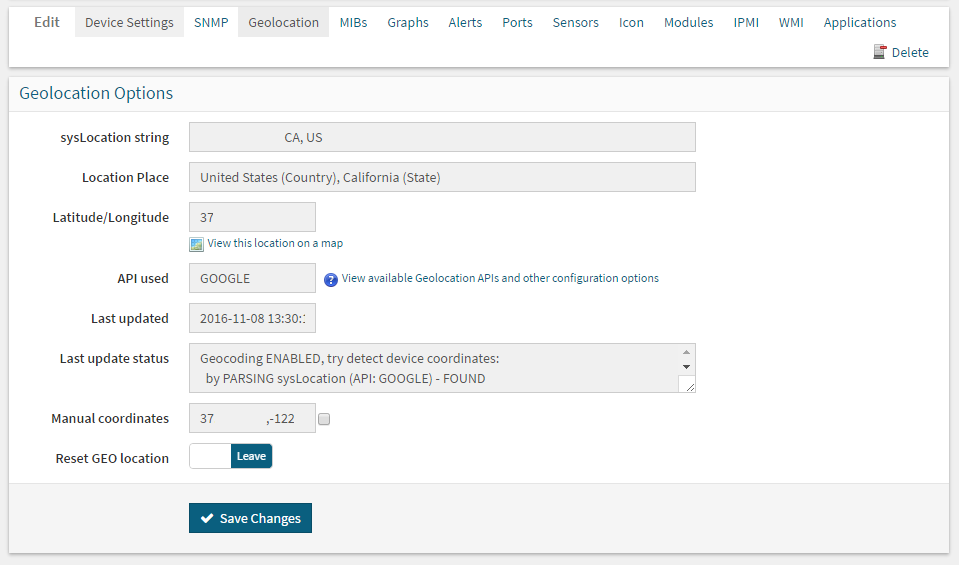
- The primary fix requires modifying the Observium configuration file to switch the geocoding API to 'google'.
- This involves adding or updating the line $config['geocoding']['api'] = 'google'; in the specified config file.
- After updating the configuration, users must navigate to the device's geolocation tab and select Reset GEO location.
- The system will then attempt to pull accurate location data during the next poll cycle, updating the displayed maps.